Create Cloud9 instance
Create Cloud9 instance
- Go to Cloud9 service administration interface
- Switch Region to Region you use for practice.
- Click Create environment.
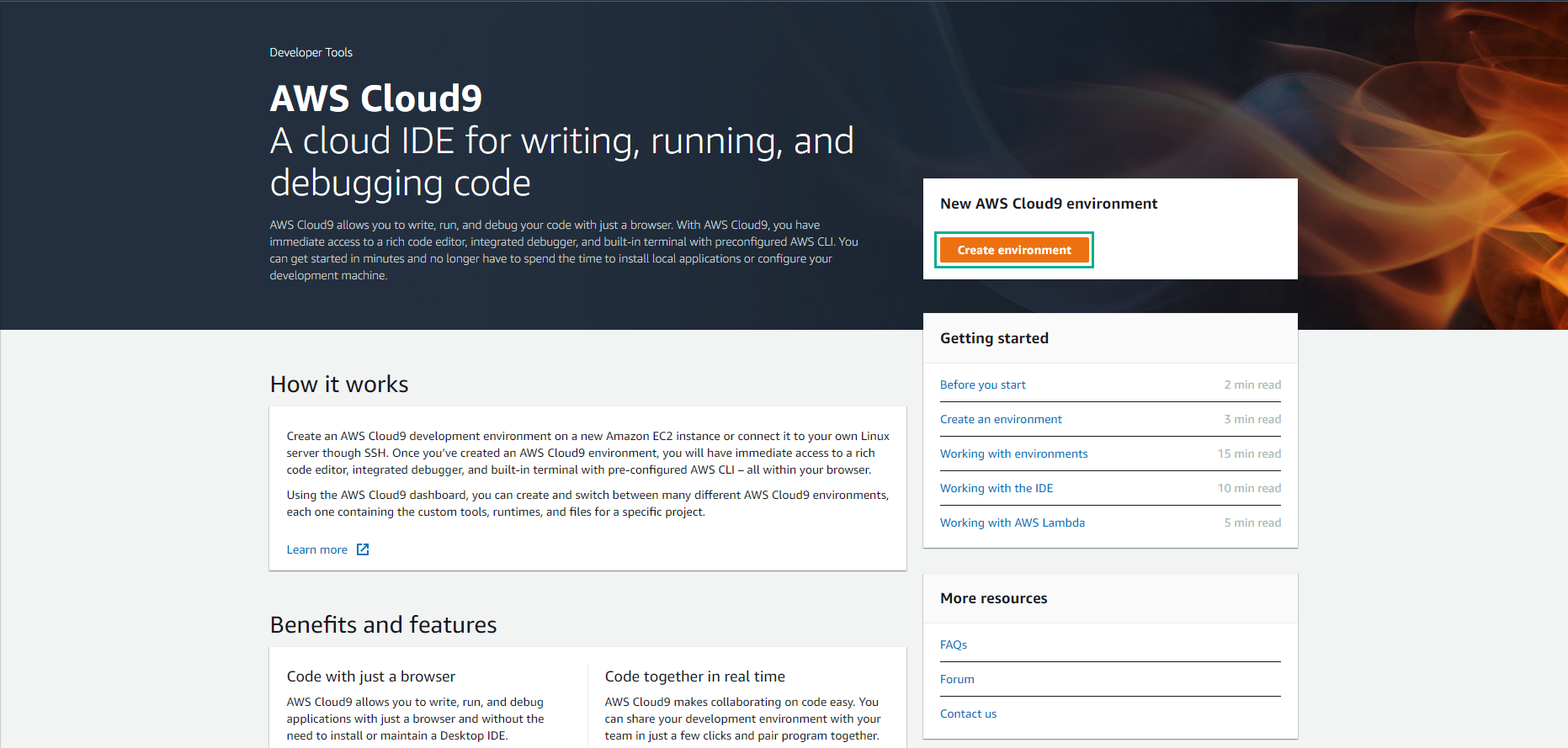
-
In the Name field, enter serverless-development.
- Click Next step.
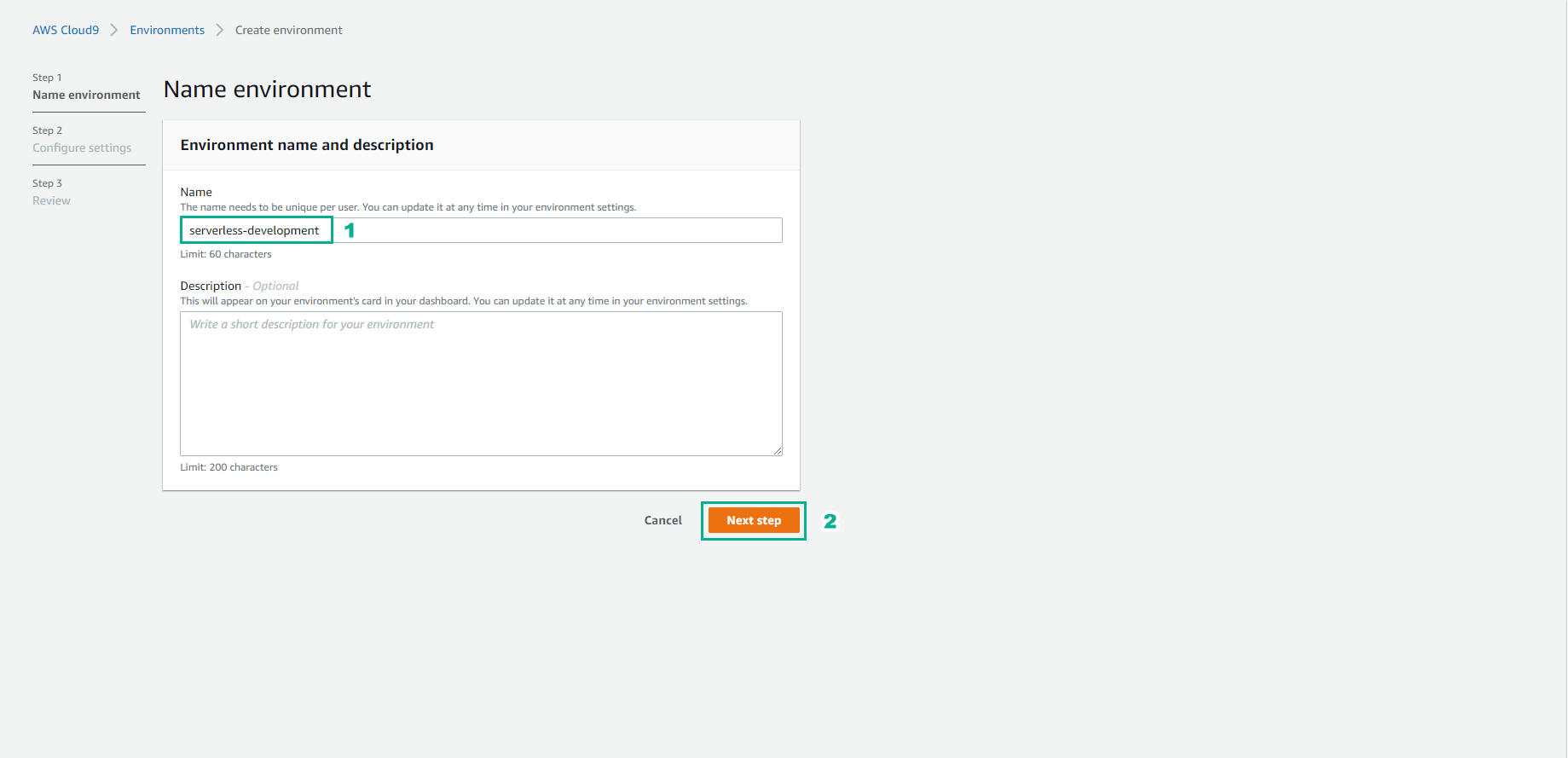
-
At the Configure Settings page.
- Click to select t3.small.
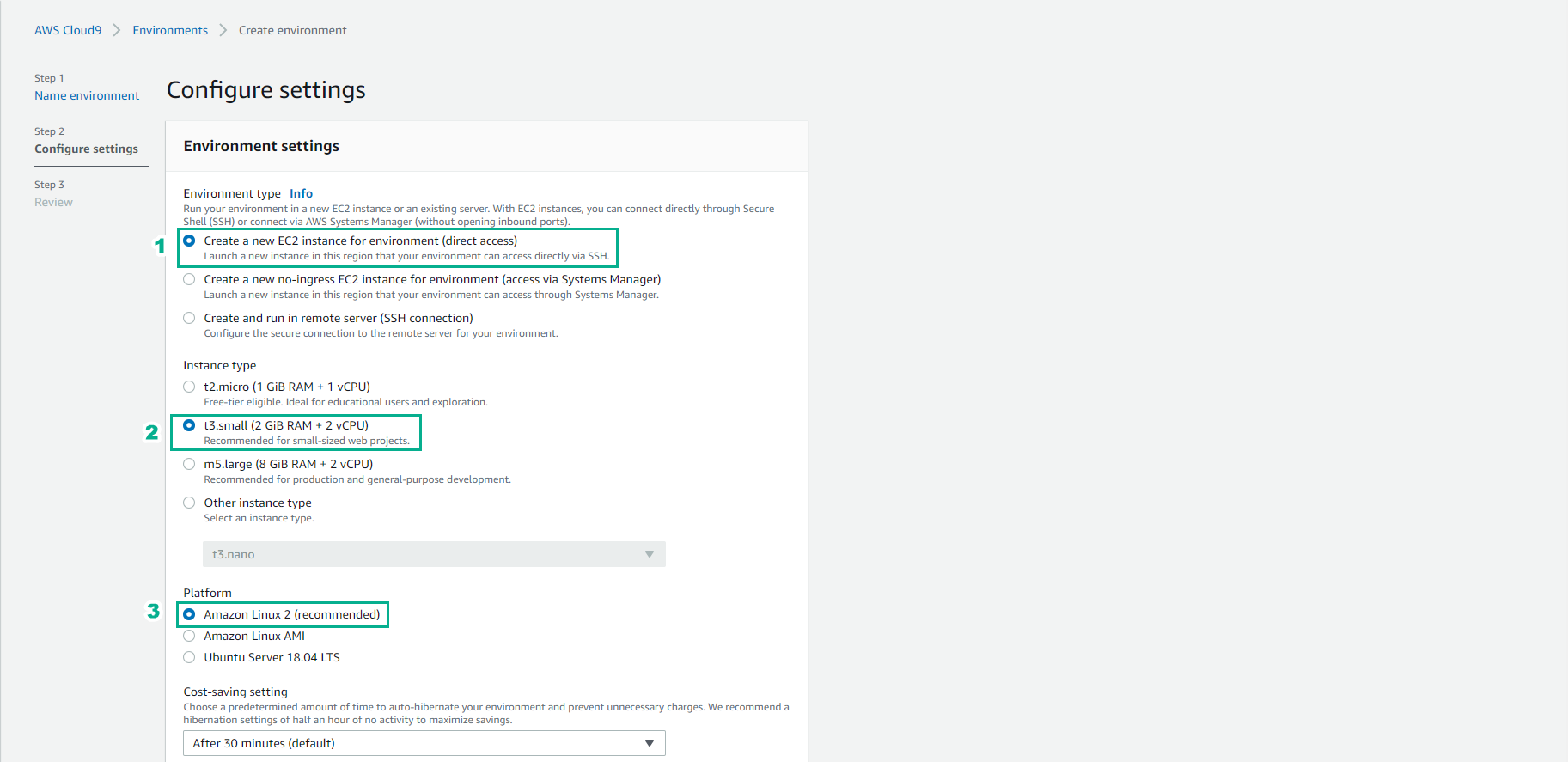
- Select Next step.
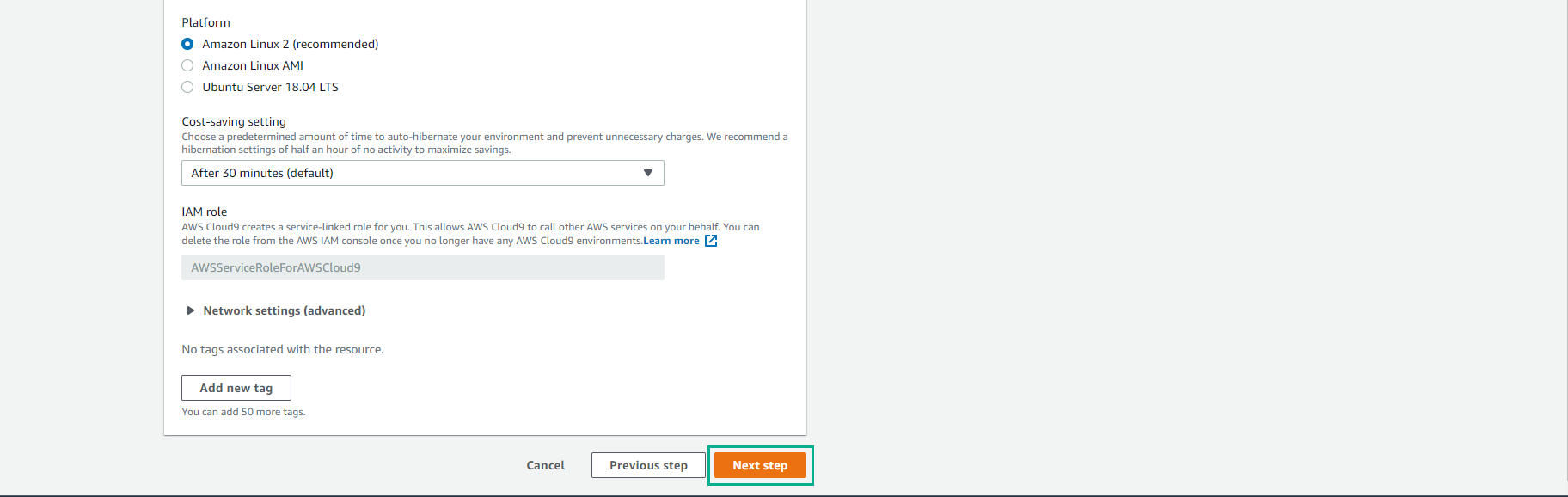
- Check again and select Create environment
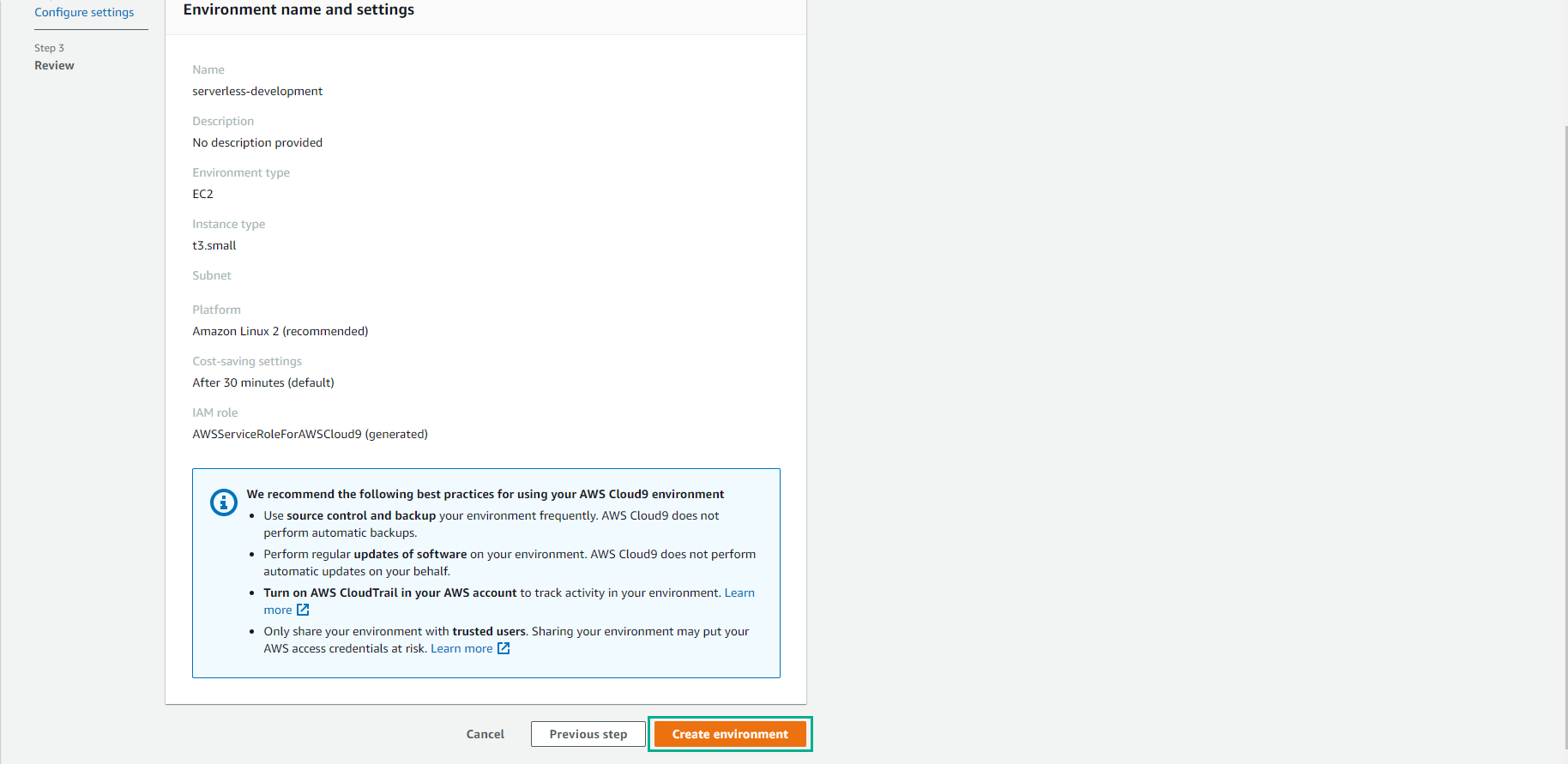
- Cloud9 instance creation will take a few minutes.
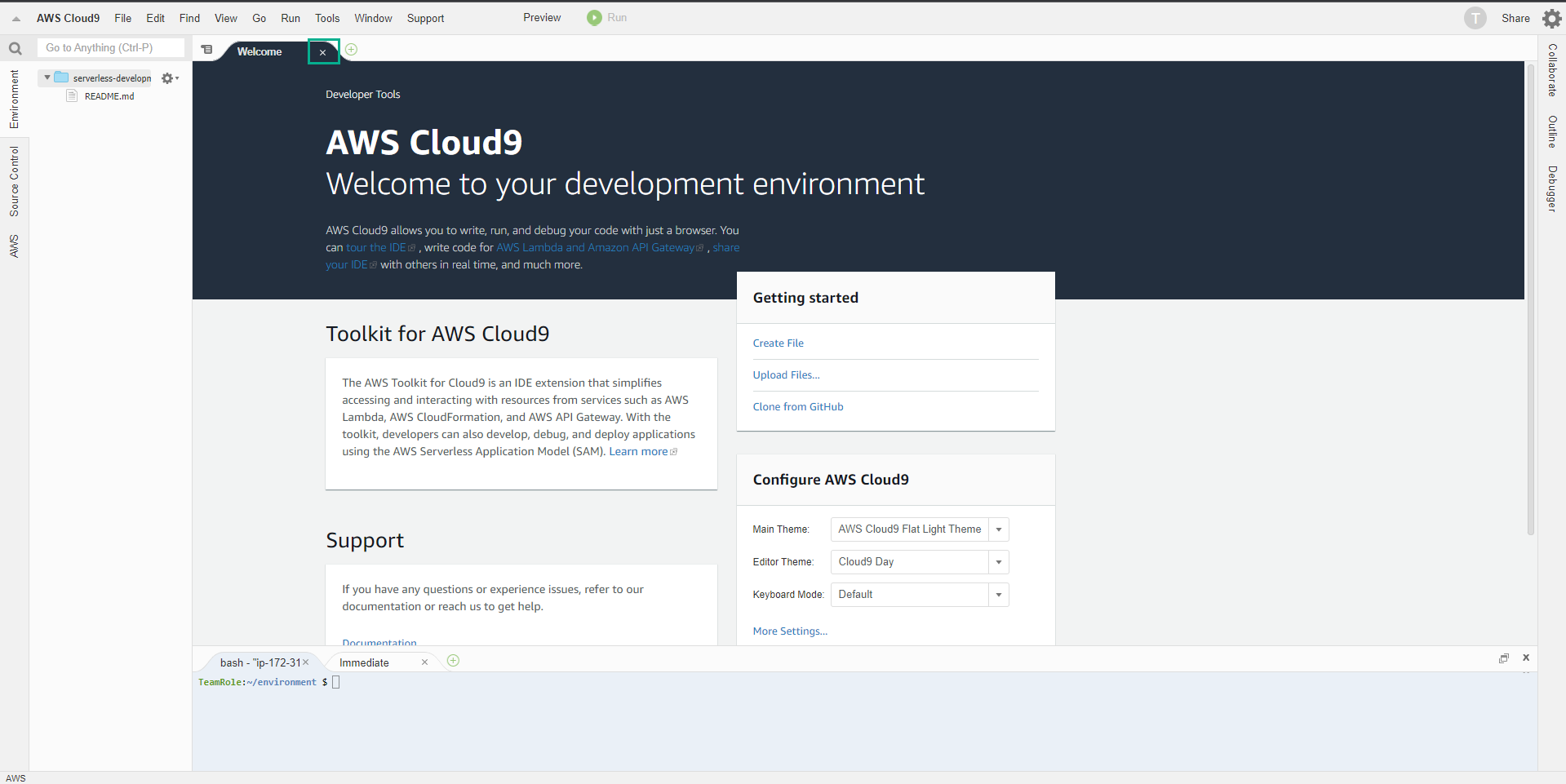
- Click on close Welcome tab.
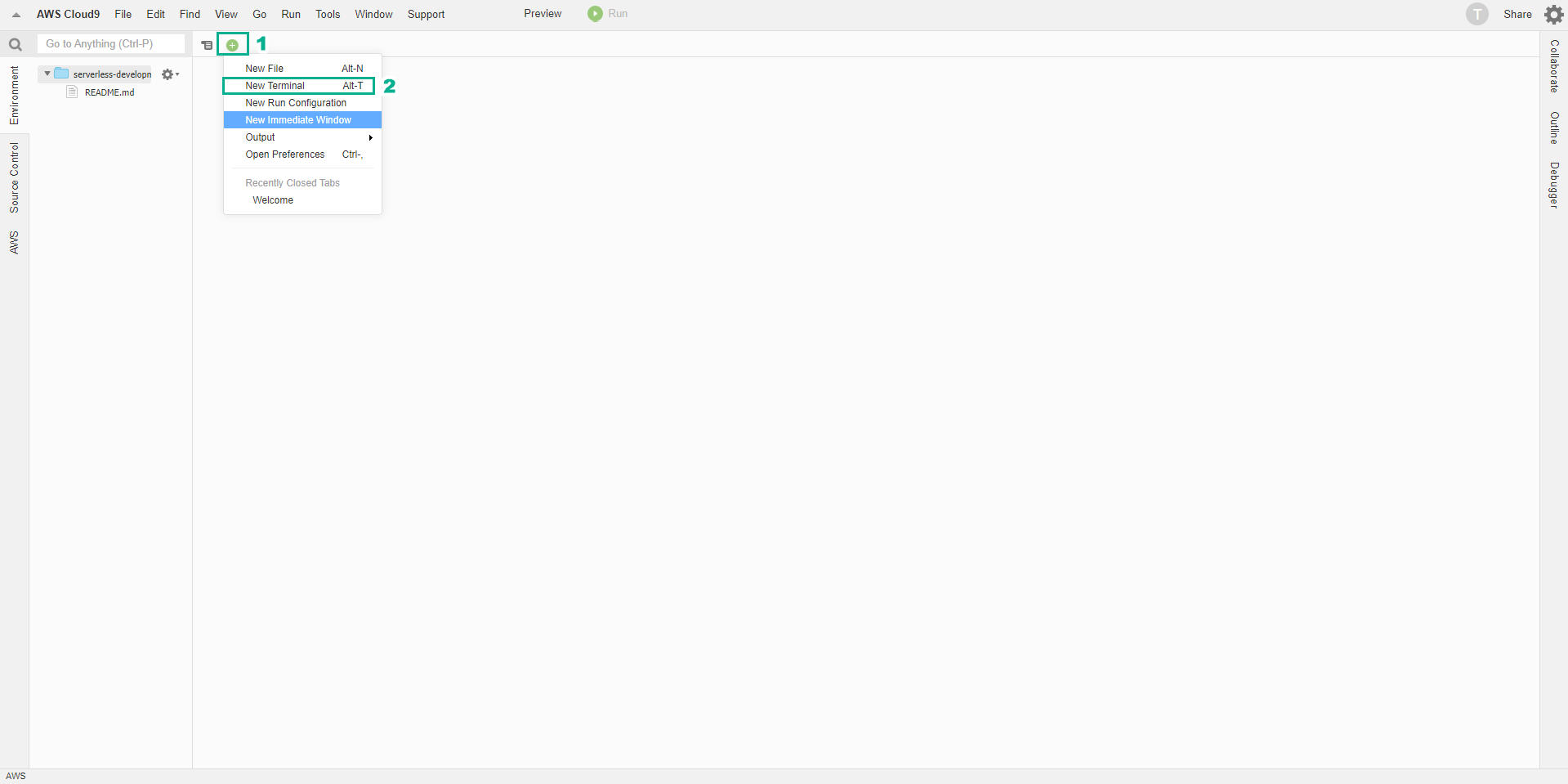
- Click +, then click New Terminal to open a new terminal interface.
- Install JQ to support JSON format with the command below.
sudo yum install jq -y
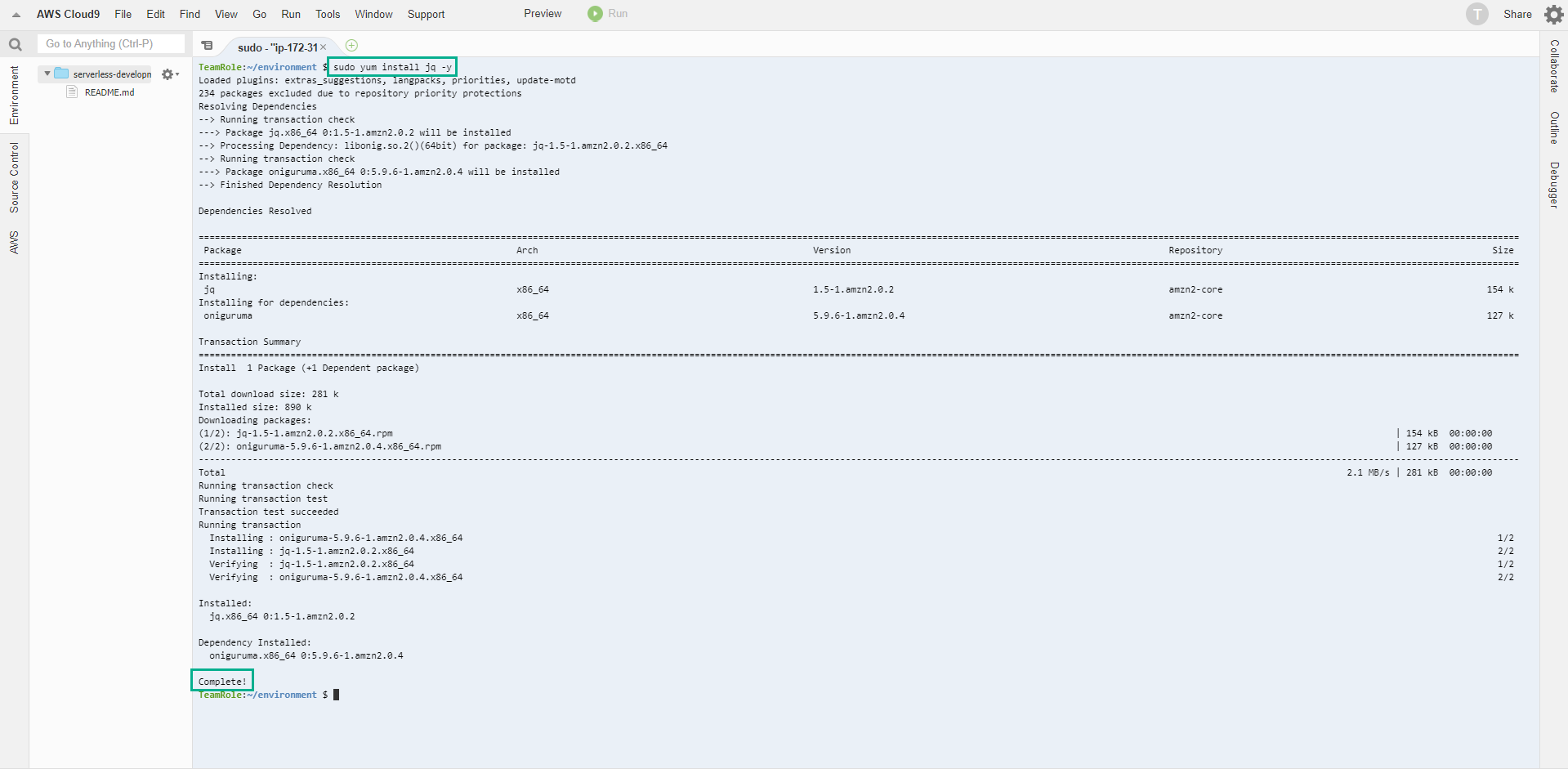
Make sure you have successfully installed JQ before performing the next steps.
-
Copy the command below and paste it into the ** terminal ** interface.
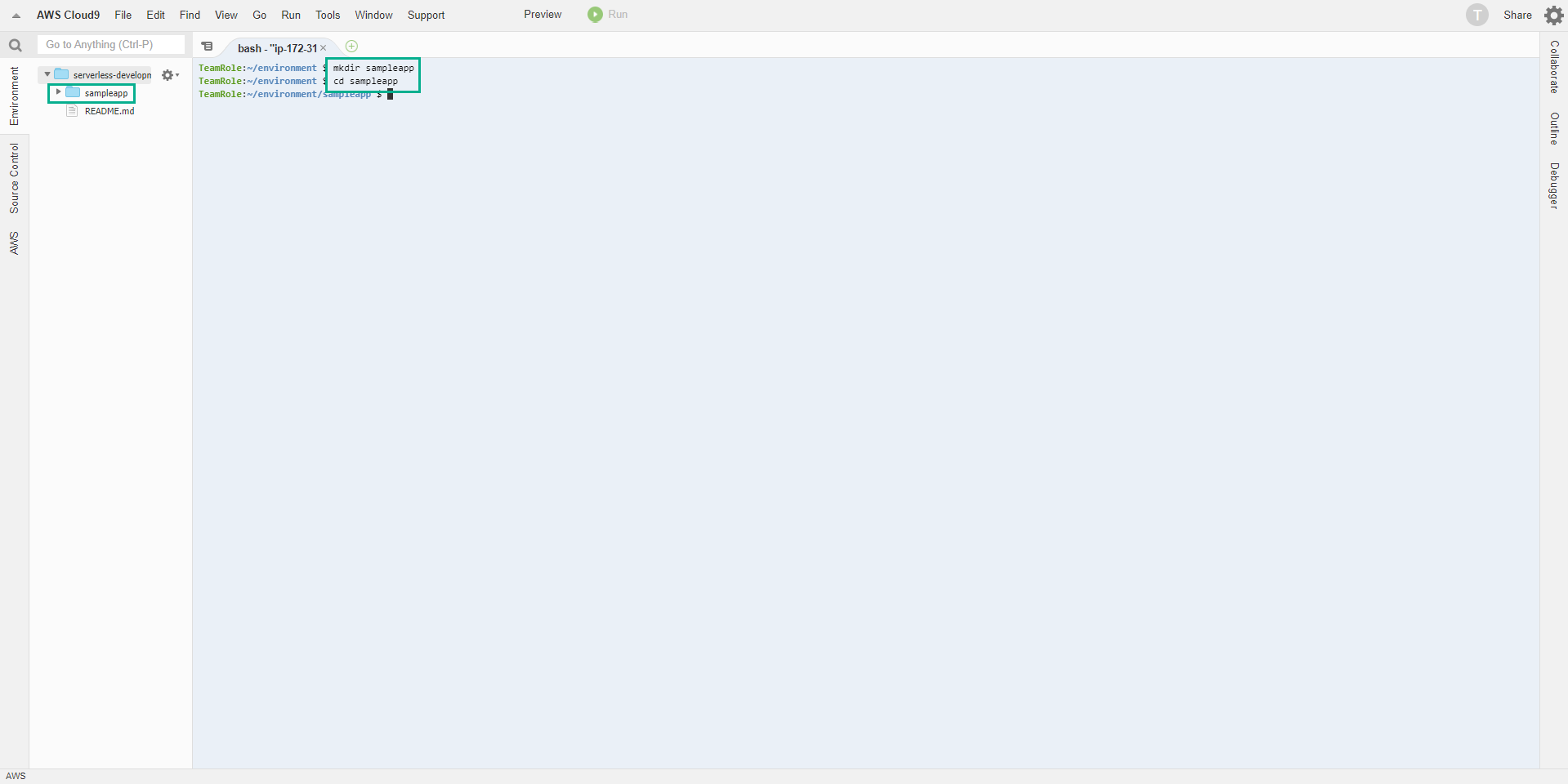
- This command is to create a directory containing sampleapp.
- Change the path to the directory.
mkdir sampleapp
cd sampleapp
Next we will proceed to create the CodeCommit repository.