Populate the DynamoDB Table
Populate the DynamoDB Table
DynamoDB is the key-value database that we will use to store information about all rides and attractions throughout the park.
The SAM template created a DynamoDB table for the application. Next, you’ll populate a DynamoDB table with data about park rides and attractions. You will run a local Node script in this repo to bring the data to DynamoDB.
- Run the command below to change the path to local-app.
cd ~/environment/sampleapp/theme-park-backend/1-app-deploy/local-app/

- Install the necessary NPM packages.
npm install
You can ignore warnings or errors at this step, no need to run an npm audit.

- Run the script to proceed with the import
node ./importData.js $AWS_REGION $DDB_TABLE
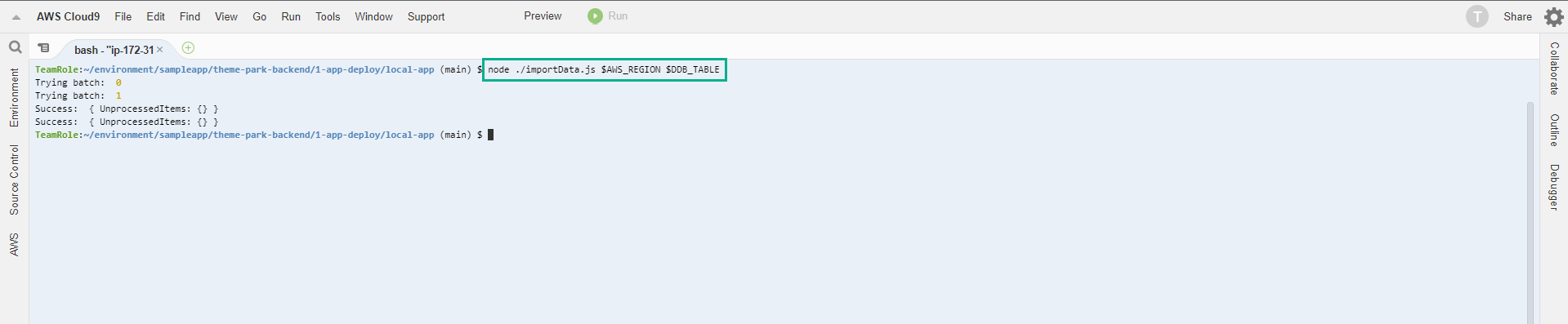
Next, we will test some configurations before updating the Frontend configuration.
- Check that the data has been entered into the DynamoDB table with the following command.
aws dynamodb scan --table-name $DDB_TABLE --select "COUNT"
