Updating Frontend
Update Frontend Configuration
In this section, you will add the API endpoint you created to the frontend configuration. This allows the frontend application to receive a list of trips and attractions via an APIGateway URL that pulls information from DynamoDB.
Once updated, you will commit the changes to the git repo, which will automatically redeploy and republish the app.
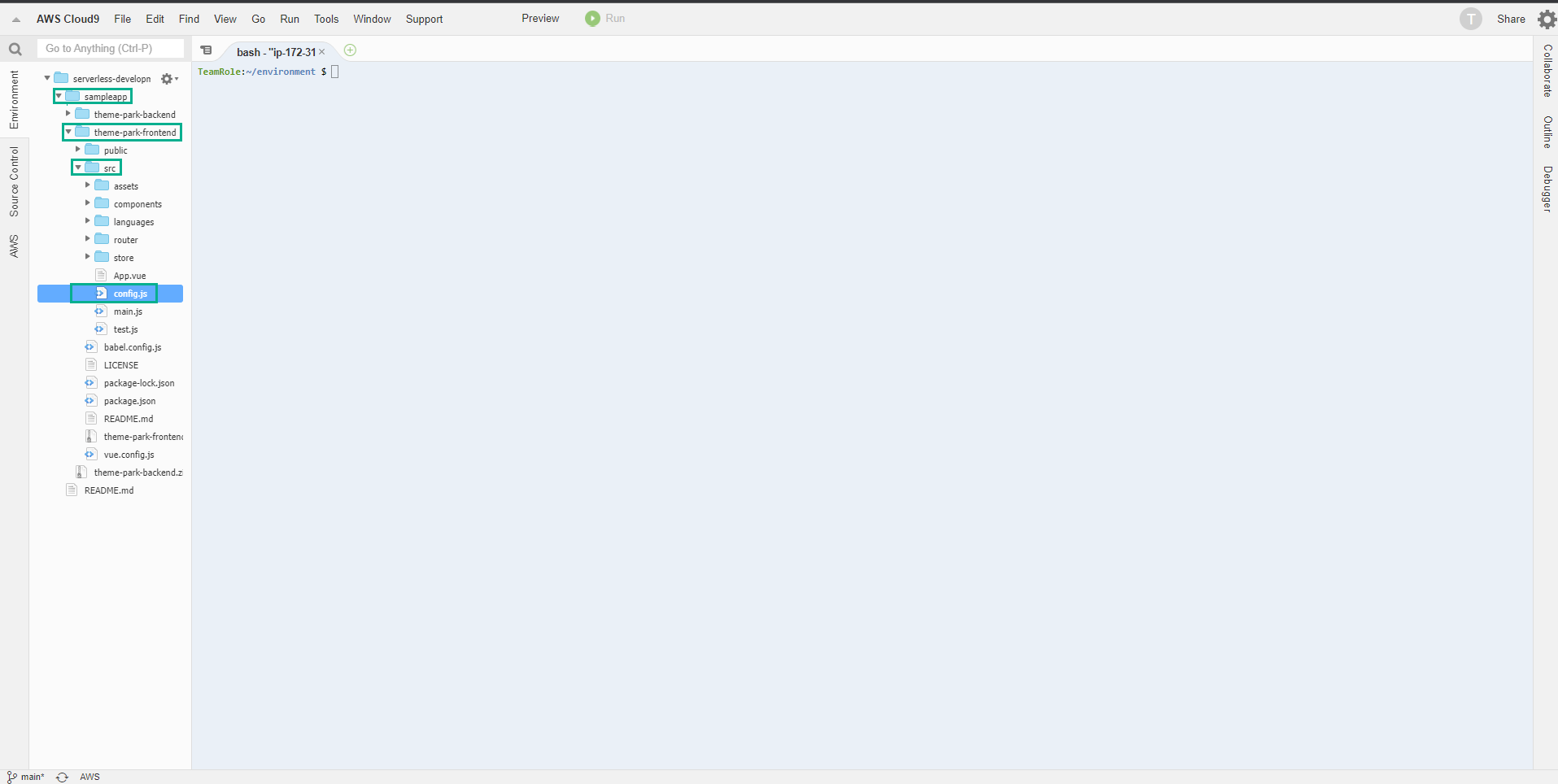
- Go back to the Cloud9 interface, in the left menu, navigate to the theme-park-frontend/src/ folder
- Double click on the config.js file.
- Replace the configuration at line 13, fill in the API Gateway Endpoint information that we noted earlier.
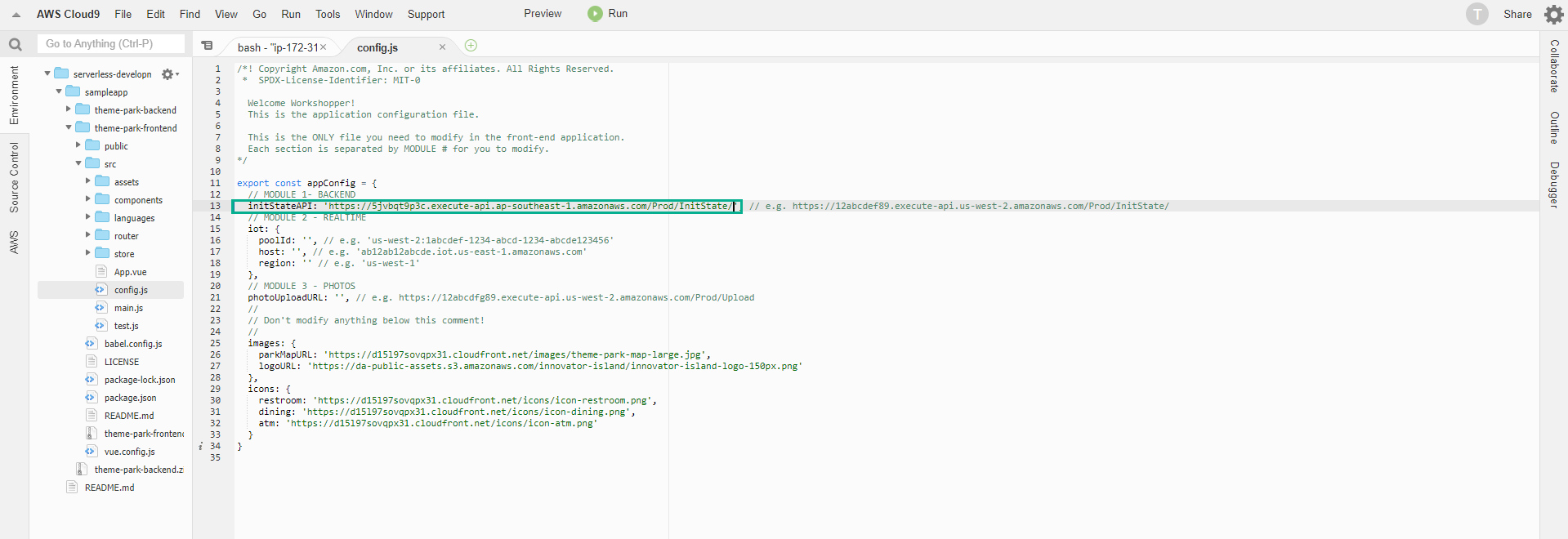
We can get the endpoint URL by running the command below:
aws cloudformation describe-stacks –stack-name theme-park-backend –query “Stacks[0].Outputs[?OutputKey==‘InitStateApi’].OutputValue” –output text
- Press the key combination Ctrl + S to save the changes.
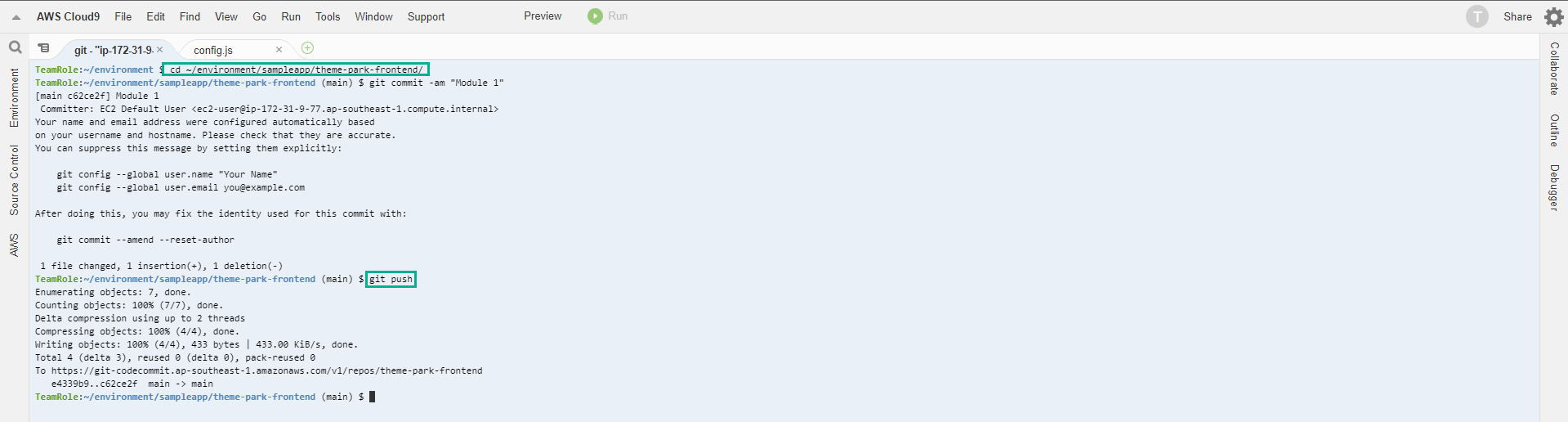
- Commit code to CodeCommit.
cd ~/environment/sampleapp/theme-park-frontend/
git commit -am "Module 1"
git push
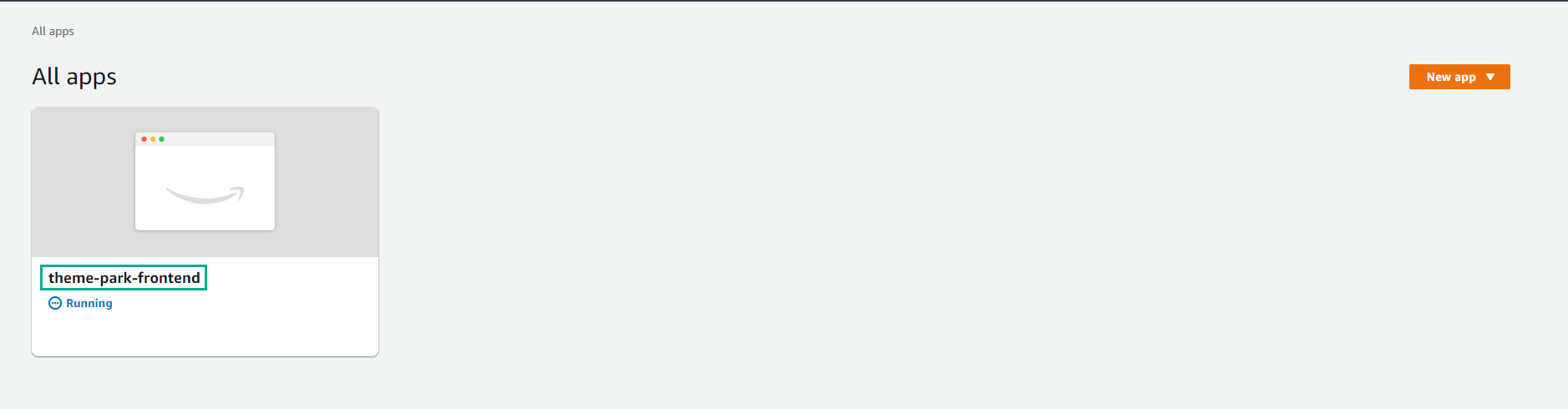
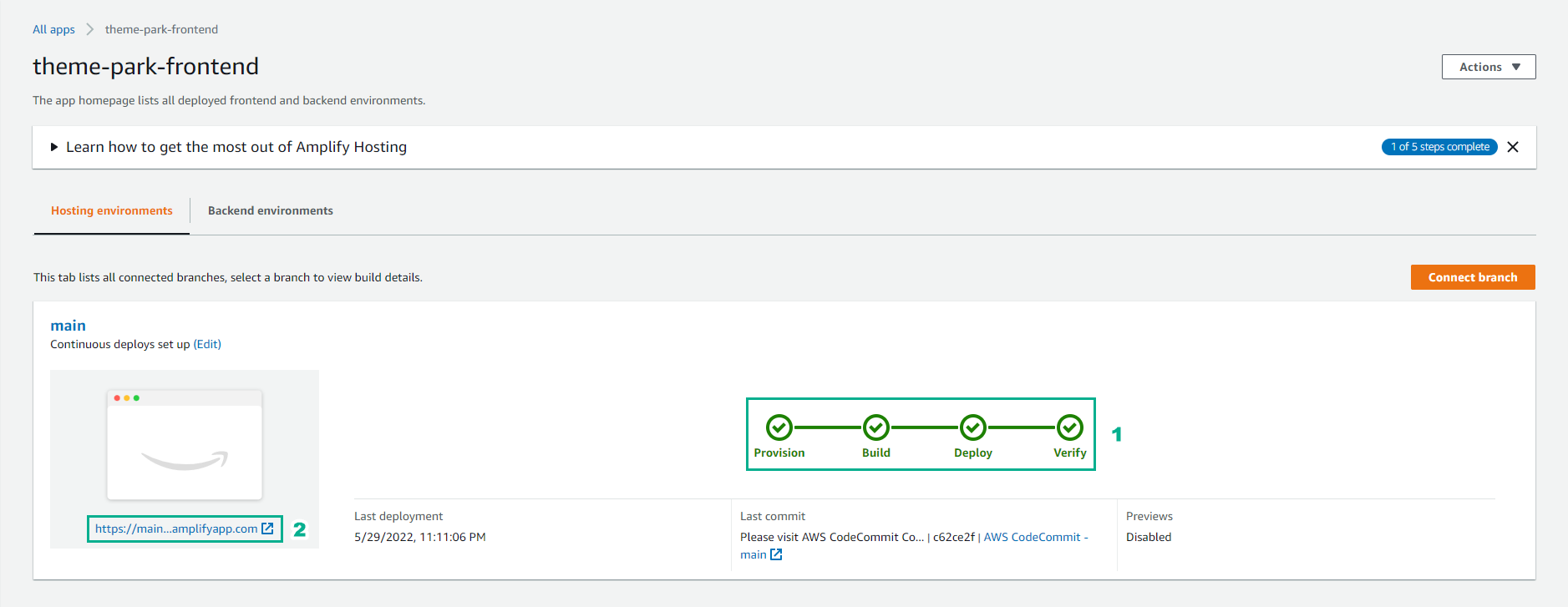
- On the All app page, click on theme-park-frontend.
-
You will see a new build has started automatically as a result of our commit code in the repo. This build will take a few minutes.
-
Click on the publish link to open our application.
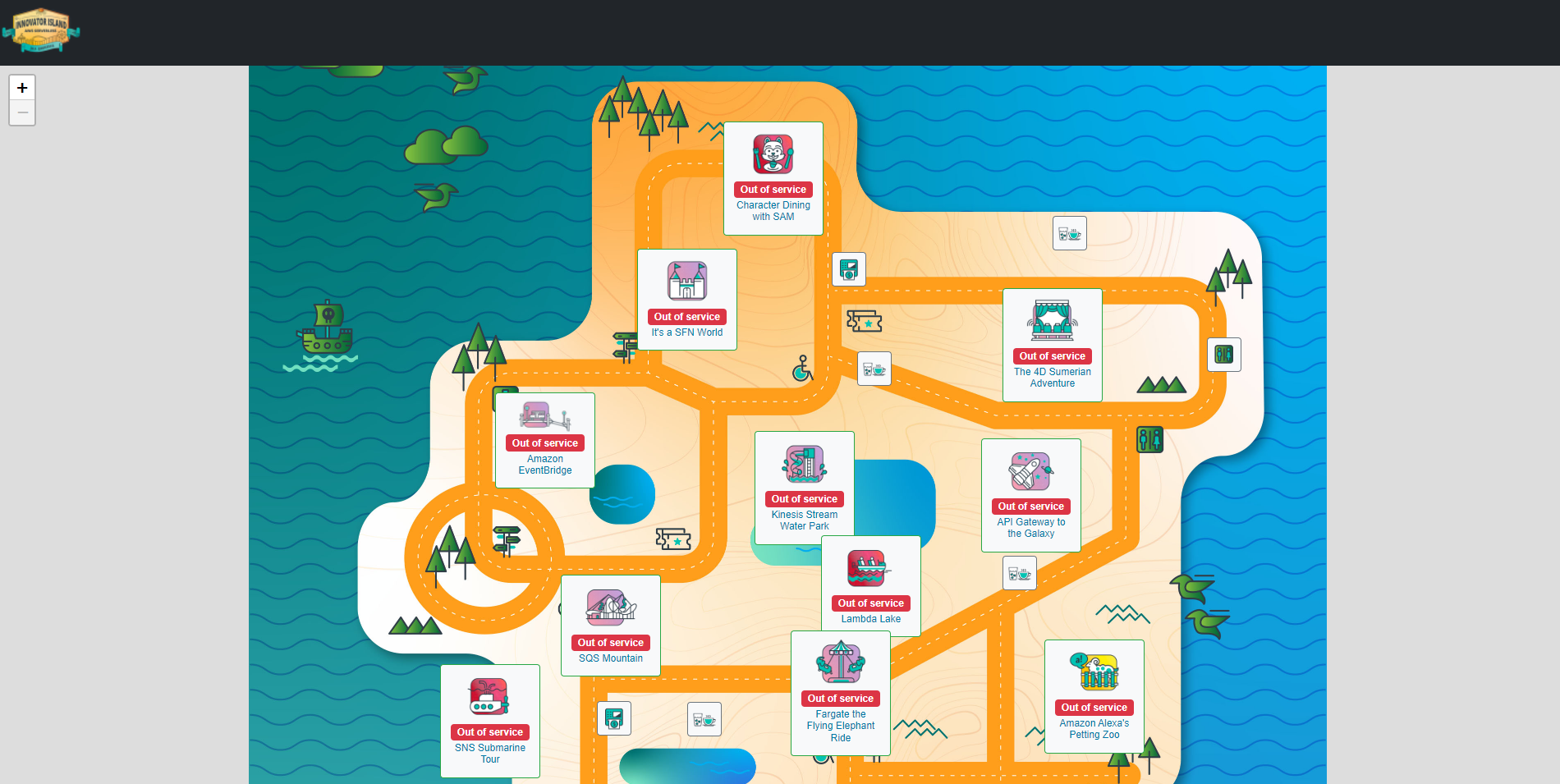
- You can now see a map containing amusement park favorites like rides and attractions. You can choose any of them and learn more.
If the browser caches the old page again, you can press F5 key to do a refresh (Windows) or ⌘ Cmd and ⇧ Shift key then press R (Mac) to perform a hard refresh.
In this section, we have:
- Create a code repository in Cloud9 and configure Amplify Console to publish web applications in this repository. You now have a public URL endpoint for your application. Deployment of backend infrastructure for theme parks and apps.
- Added data to a DynamoDB table containing ride and attraction information for the park.
- Test the implementation using CLI to scan the DynamoDB table and use the browser to test the API endpoint Gateway.
- Perform frontend updates with the new API endpoint and see the results in the app. Code changes are pushed (as configuration updates) to CodeCommit and Amplify Console automatically detects new commits and publishes the changes to the frontend.
In the next section, you’ll add the ability to manage real-time wait times for trips.