Serverless with Lambda, API Gateway and SAM > Deploying sample app > Backend Deployment > Test the configuration
Test the configuration
Check configuration
- Check the data has been inserted into the DynamoDB table with the following command.
aws dynamodb scan --table-name $DDB_TABLE --select "COUNT"

- Run the command below to check the endpoint URL
aws cloudformation describe-stacks --stack-name theme-park-backend --query "Stacks[0].Outputs[?OutputKey=='InitStateApi'].OutputValue" --output text
We will save the endpoint URL information in the notes for the following steps.
- Click on the URL endpoint and select Open.

- A browser tab will be opened and all trip information will be displayed in raw format.
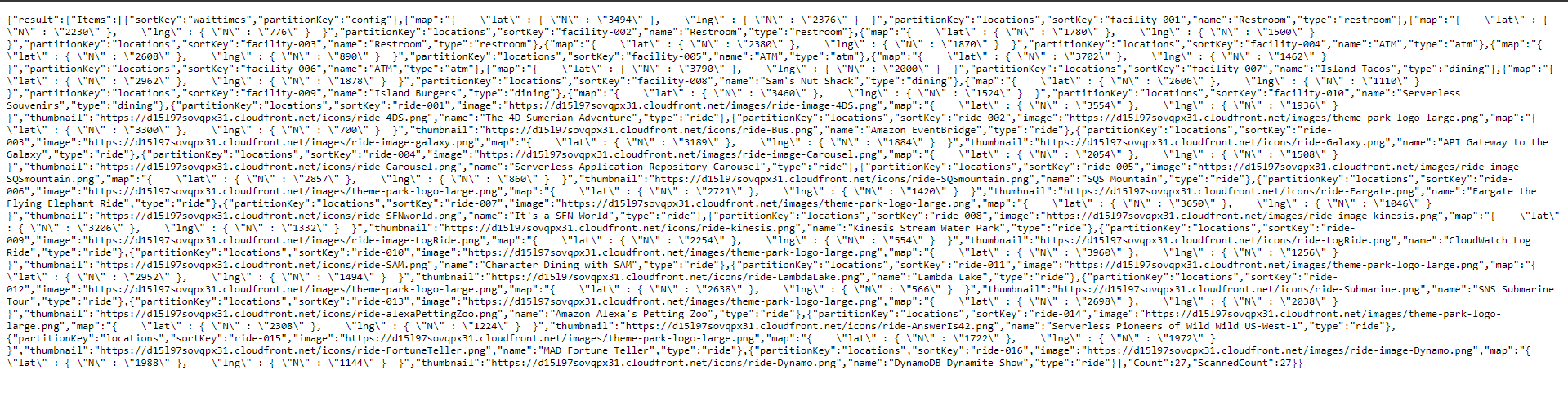
So in this step, we have created a public API for our Frontend to use.