Create CodeCommit Repository
Create CodeCommit Repository
-
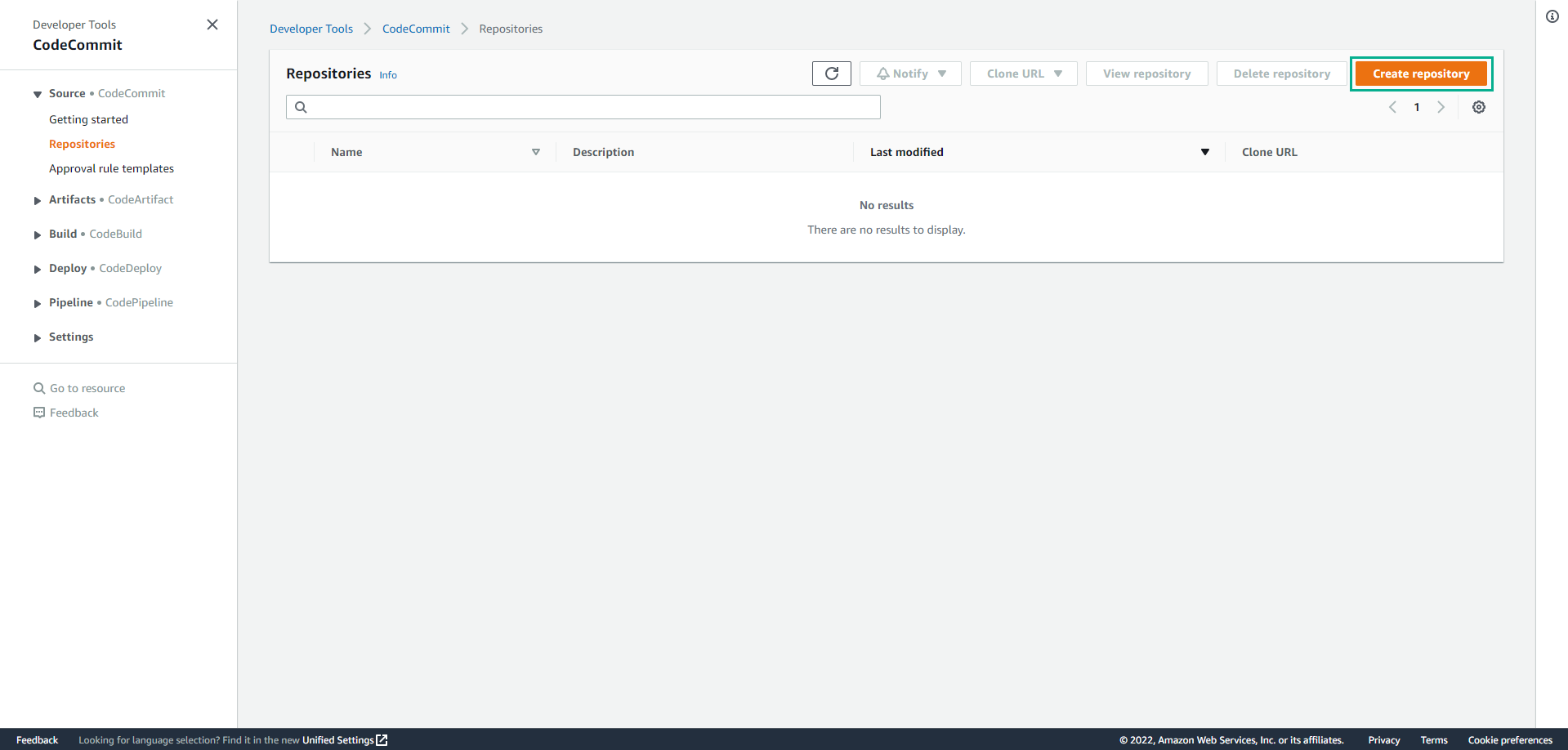
Go to CodeCommit service administration interface.
- Switch Region to Region you use for practice.
- Click Create repository.
-
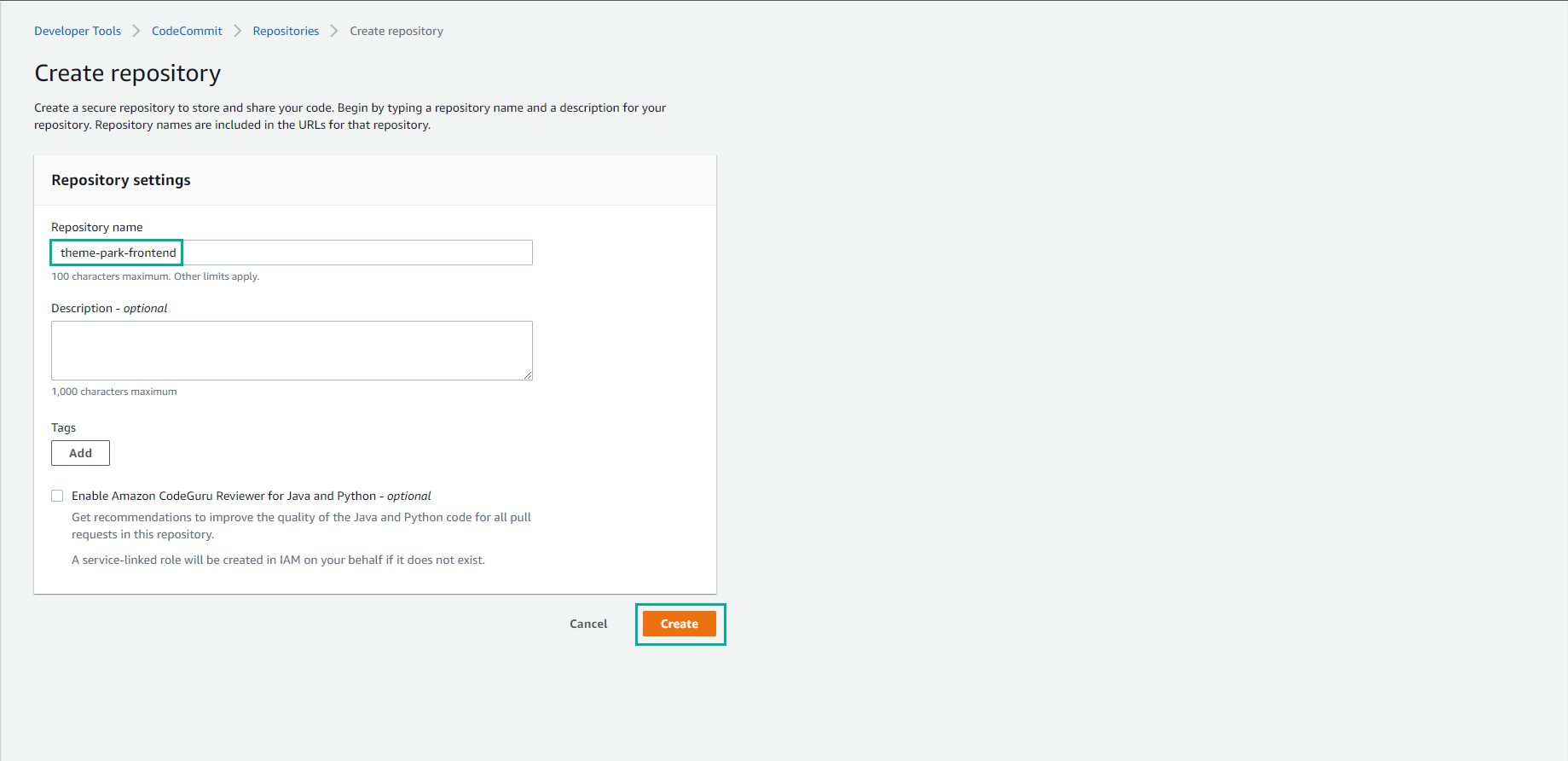
On the Create repository page.
- In the Repository name section, enter theme-park-frontend.
- Click Create.
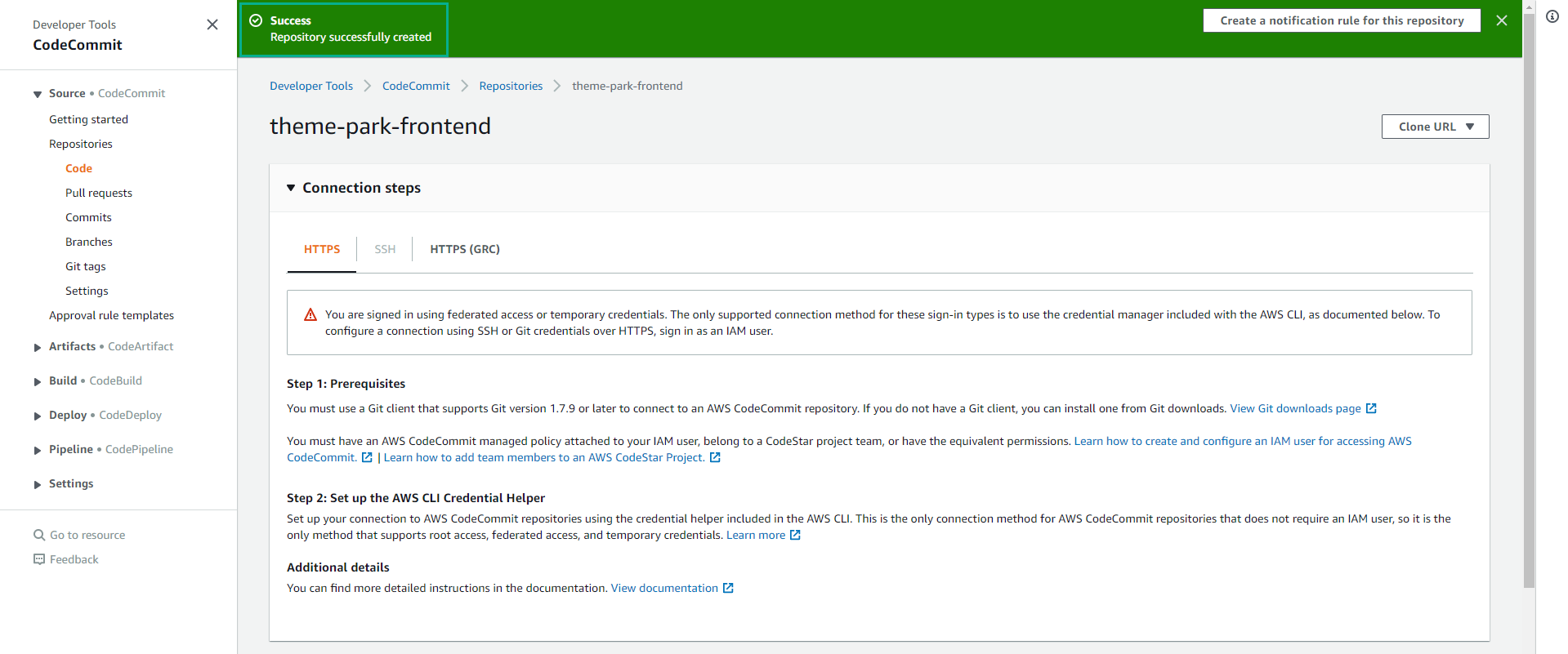
- Make sure your Repository is created successfully.
Next, we will proceed to deploy the sample application to AWS.